OEBSStudios
Over Engineered Blender Solutions

Blender tools.
By OEBS Studios.

We share a growing collection of Blender add-ons and tools developed and refined through our own work. Explore our catalogue and see what you could use in your next project.

Made with Driver Espresso   /   Procedural animation for Blender
Driver Espresso   /   Coming soon

Procedural animation
for Blender.

Choose a motion template, apply it to a property, and adjust it while your scene plays. Animate flashing lights, spinning rotors or bouncing balls without writing driver expressions.

Interactive motion demoChoose a motion and adjust the sliders.
MotionSwing
Frame0
Value0.00
Keyframes0
1.00
1.00

This is a simplified browser demo, not the Blender add-on. Its motions illustrate the idea rather than reproduce the templates exactly.

More from OEBS

Tools for your
Blender projects.

Manage node groups, retime animation or find an icon for your add-on. Here’s how each tool works.

Node Group ManagerOrganization / Blender node editors

Manage your
node groups.

Browse the node groups in your file, check where they’re used and merge duplicates. Works with shader, geometry and compositor groups.

  • FindBrowse shader, geometry and compositor groups.
  • TraceSee where a group is used in the file.
  • TidyIdentify and merge duplicate groups.
Node Group Manager in useRecorded in Blender · Play the walkthrough
Scene RetimerTiming / Animation workflow

Adjust your
animation timing.

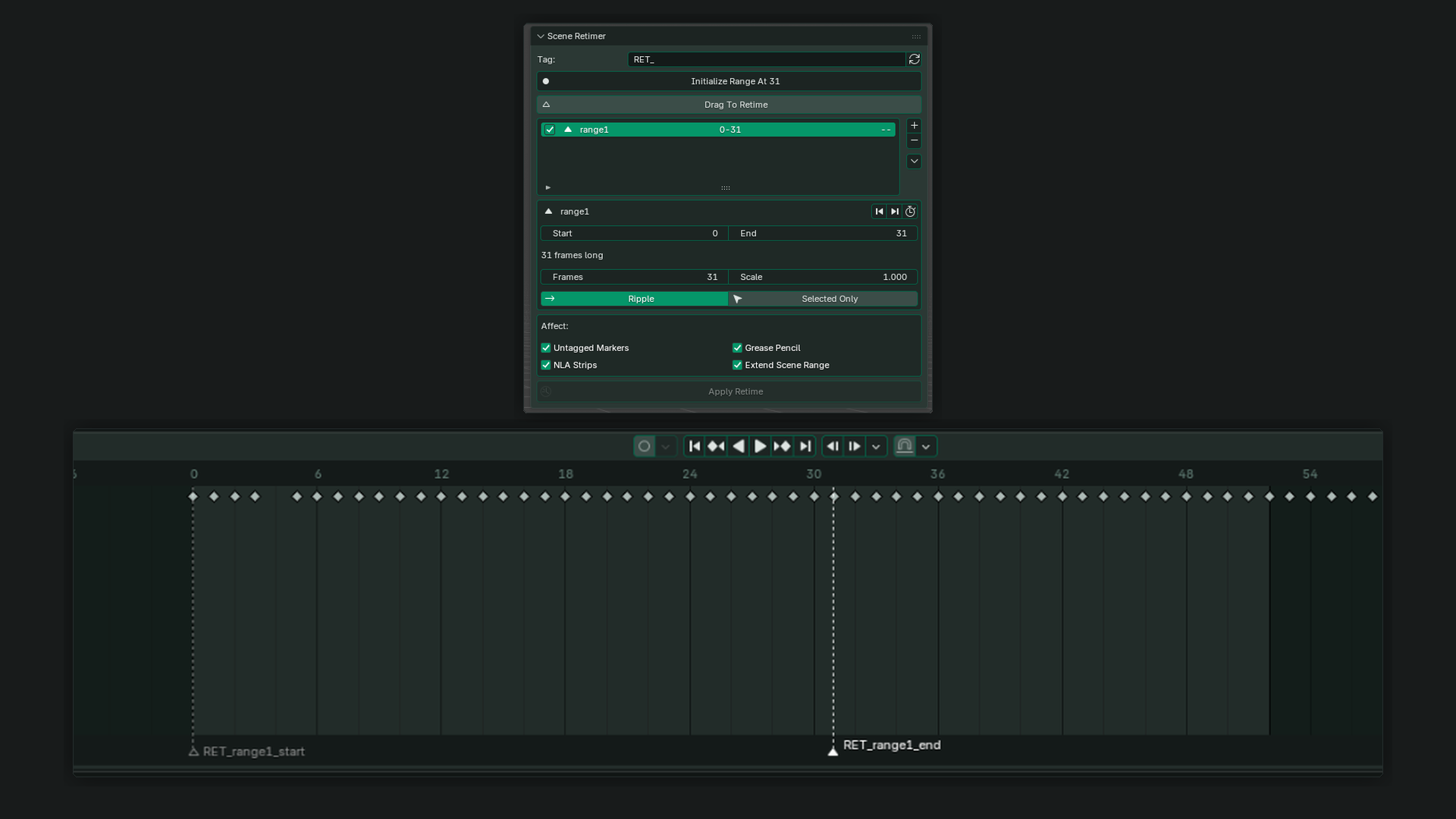
Use markers to define the section you want to retime, then change its duration. Speed it up or slow it down without moving each keyframe by hand.

Scene Retimer in Blender: a marker-defined range, timing controls and animation keys in the timeline.
The timeline is the starting pointActual Blender interface · Open for full size

Think in moments, not individual keys.

Define a range. Change its duration. Keep your attention on how the scene feels.

Before
After
Timing principle · Illustrative, not an add-on preview
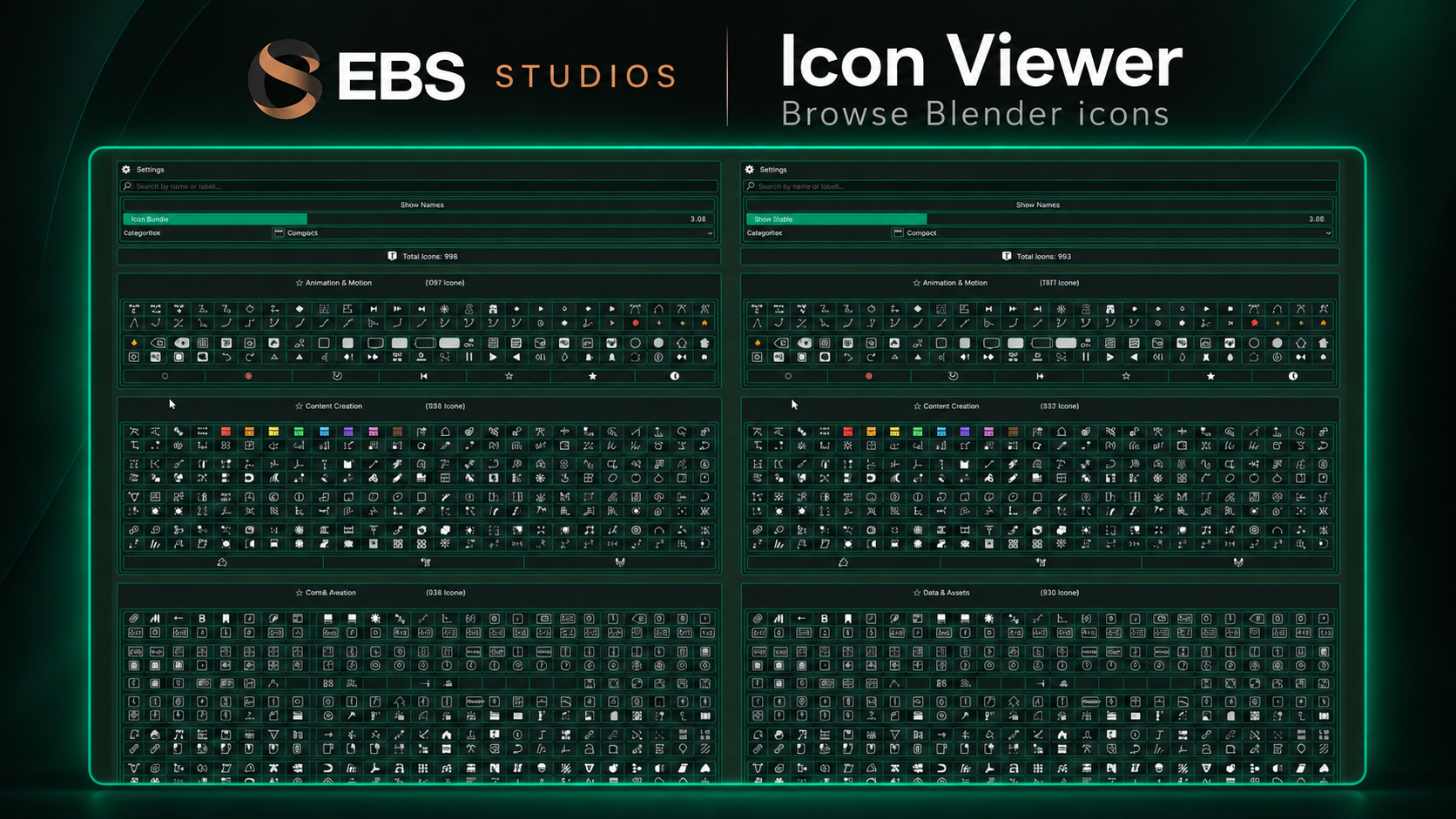
Icon ViewerInterface details / Add-on development
One small detail. The exact name.
LIGHT_SUN
BrowseInspectCopy

Example use in a Blender interface

layout.label(
  text="Lighting",
  icon='LIGHT_SUN'
)

Browse Blender’s
built-in icons.

Find an icon for your interface and copy its identifier into your code. Useful when you know what an icon looks like but can’t remember its name.

The studio

What we share
at OEBS Studios.

Developed in-house

These are tools we develop and refine through our own work in Blender, then share with other artists.

See them in use

Watch the demonstrations and read the guides to decide whether an add-on fits the way you work.

Explore the collection

Each product has its own page with details about what it does. You’ll find the store and documentation links alongside it.